
How to Install & Configure VIM Editor in Linux
Step 1: Install VIM Package Firstly, install the vim package: For RedHat/Fedora/CentOS # yum -y install vim vim-enhanced For Debian/Ubuntu[…]
Read more
Step 1: Install VIM Package Firstly, install the vim package: For RedHat/Fedora/CentOS # yum -y install vim vim-enhanced For Debian/Ubuntu[…]
Read more
Installation of wkhtmltopdf in CentOS/RedHat/Fedora Step 1: Pre-Requisites # yum install -y xorg-x11-fonts-75dpi # yum install -y xorg-x11-fonts-Type1 For 64bits[…]
Read more
Step 1: Check Buffers & Cache Memory To check the buffers and cache memory in linux, execute the following command:[…]
Read more
A link is nothing more than a way of matching two or more file names to the same set of[…]
Read more
Step 1: Prerequisites In order to install ffmpeg package in linux first download the following libraries: # wget ftp://rpmfind.net/linux/centos/6.5/os/x86_64/Packages/libdc1394-2.1.2-3.4.el6.x86_64.rpm #[…]
Read more
Introduction Logs are very helpful while troubleshooting as it contains the relevant information whenever disaster appear on server or any[…]
Read more
Step 1: Check the History In order to check the executed shell commands in linux, use the history command #[…]
Read more
Introduction A backup, or the process of backing up, refers to the copying and archiving of computer data so it[…]
Read more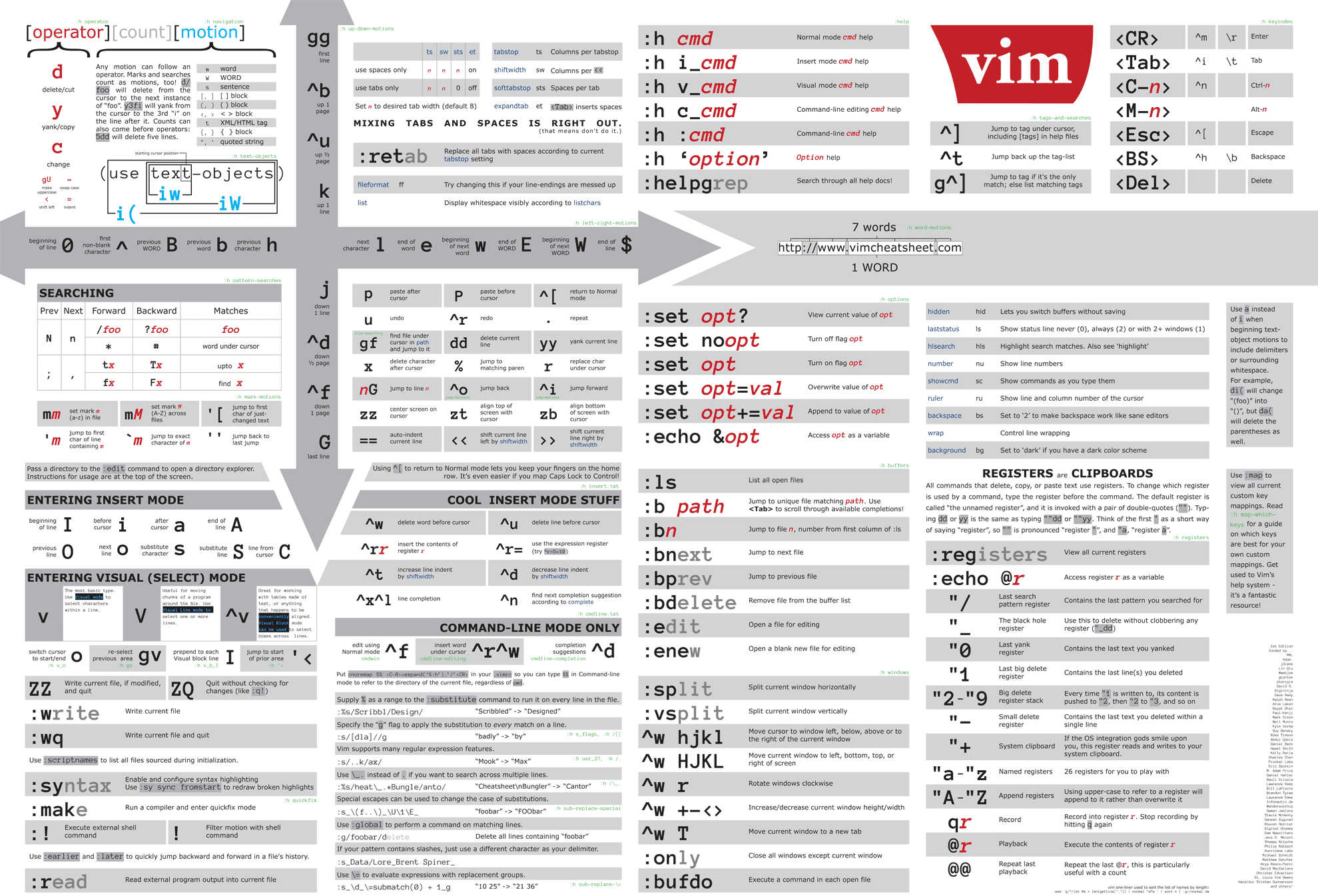
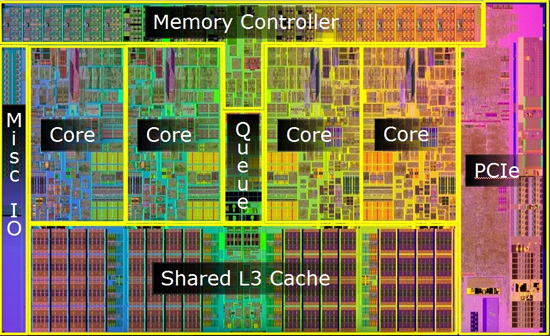
There are several ways in order to check the CPU detailed Information. 1) /proc/cpuinfo The /proc/cpuinfo and sysfs stores info[…]
Read more